
In the right order
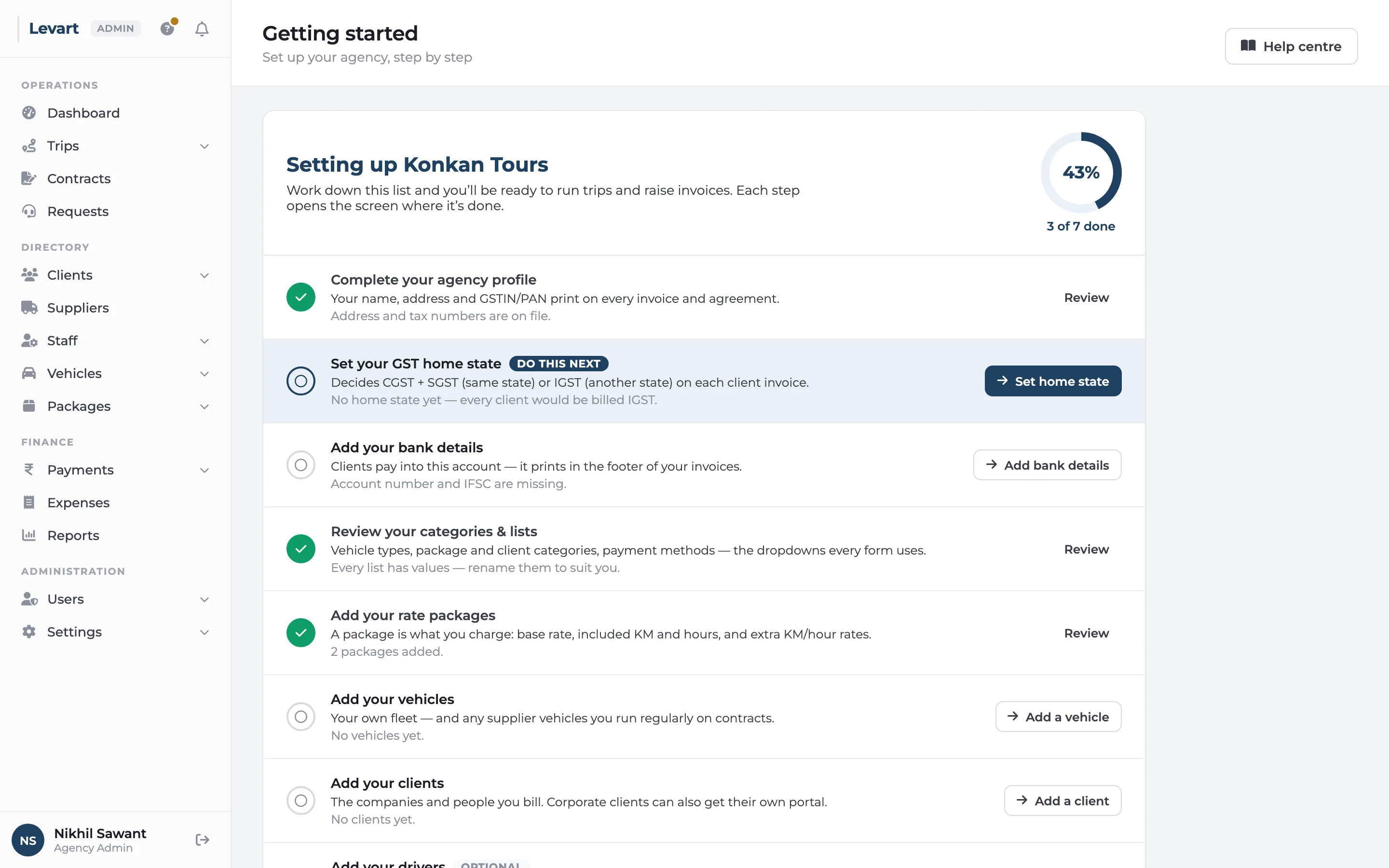
Contracts need clients, vehicles and packages. Vehicles need vehicle types. Levart knows the order. A step whose turn hasn't come is shown locked, with what it's waiting for. A form you can't fill in yet tells you what to add first, with the button to go and add it. An empty list says what belongs there and offers to add the first one.
Help where you are
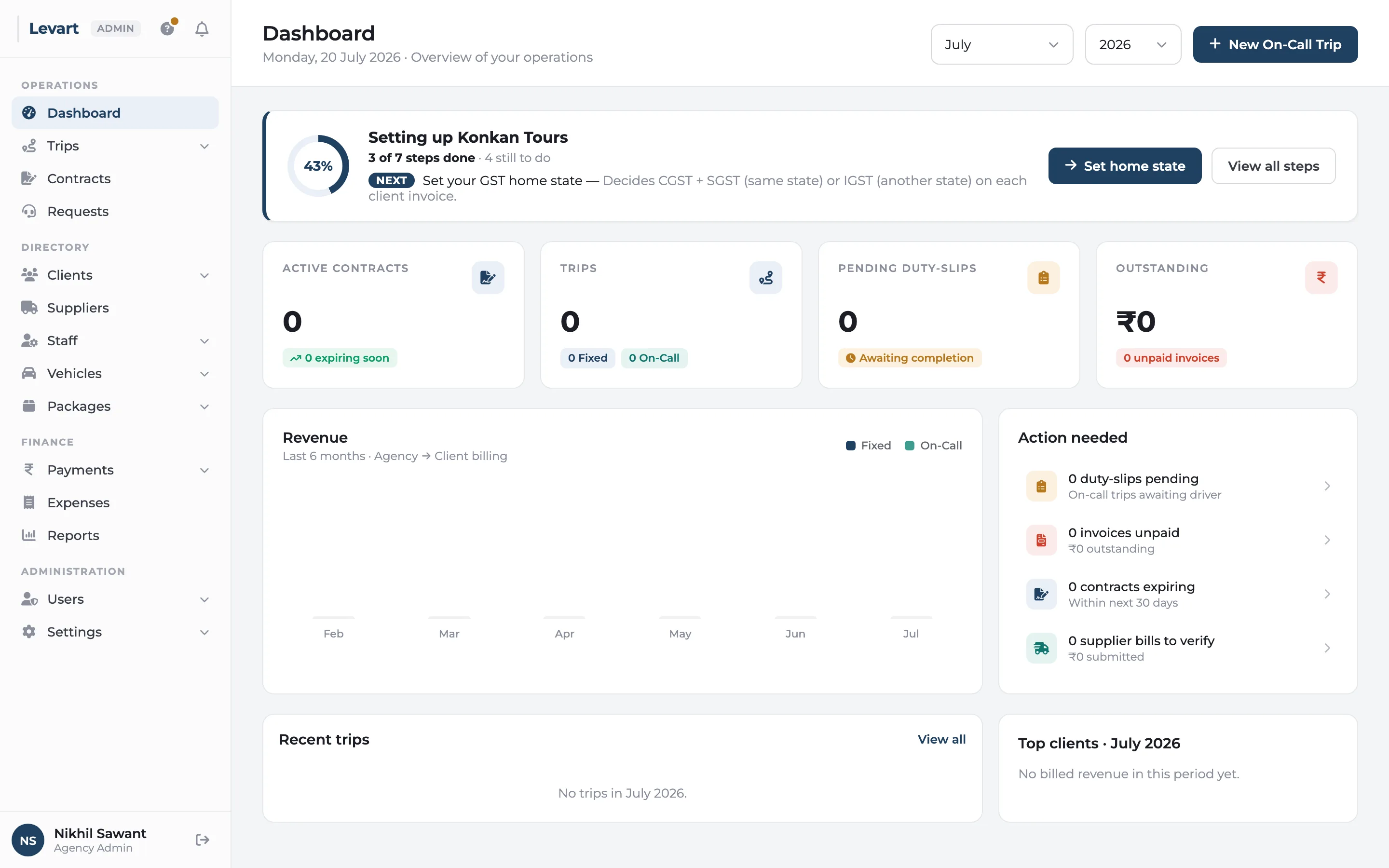
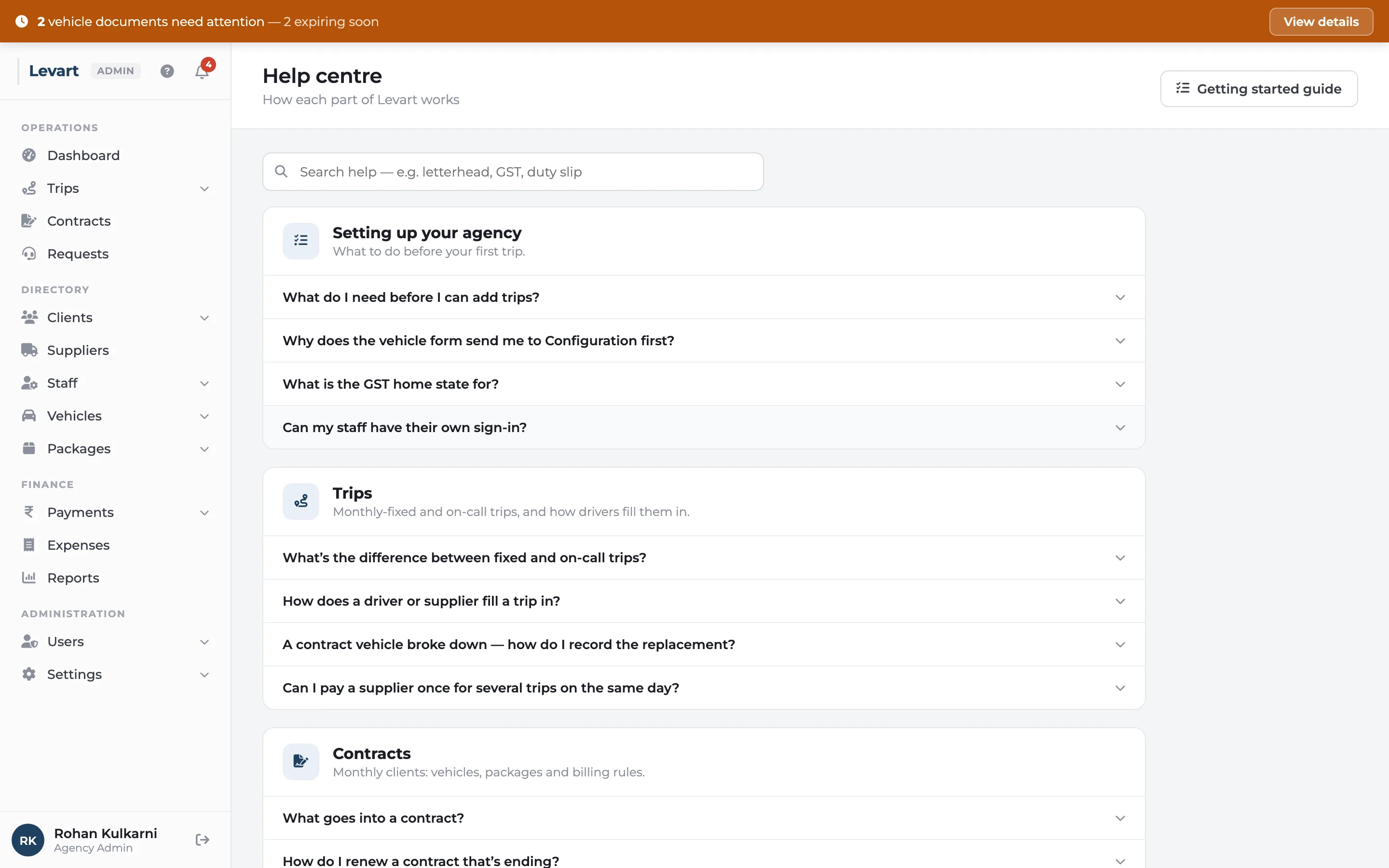
The question mark next to the bell opens the getting-started list, a help centre with answers that link straight to the right screen, and a one-minute tour of the menu.
Guided setup & help: common questions
How long does it take to set up Levart?
Most of it is entering what you already have: your profile and bank details, your rate packages, vehicles and clients. The checklist shows what's left, and the Excel import on each list saves typing.
Goes well with
Team & permissions
Operations books trips, accounts sees payments, and nobody sees what they shouldn't.
Read moreFleet & documents
Every vehicle, driver and supplier in one register, with document expiry warnings.
Read moreWorks on your phone
Check a trip, raise an invoice or answer a client from the road.
Read moreSee it with your own trips
Book a 30-minute call. Bring a month of duty slips or a contract, and we'll show you how Levart handles them.