
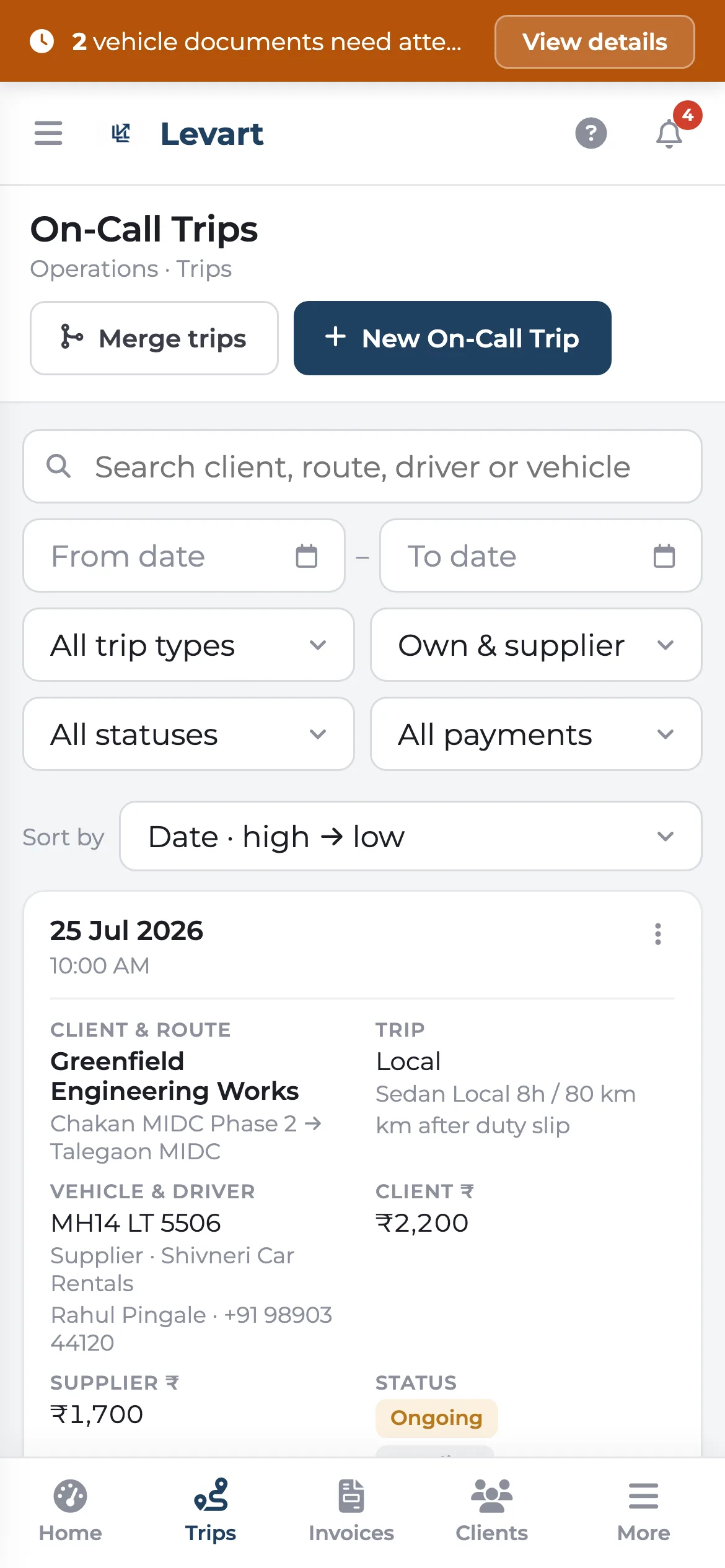
Built for thumbs, not shrunk to fit
On a phone the menu slides in from the side and the screens you open most — Home, Trips, Invoices, Clients — sit in tabs along the bottom. Tables become cards with the key details on each one. Dialogs come up from the bottom of the screen, and invoices scale to fit the width.
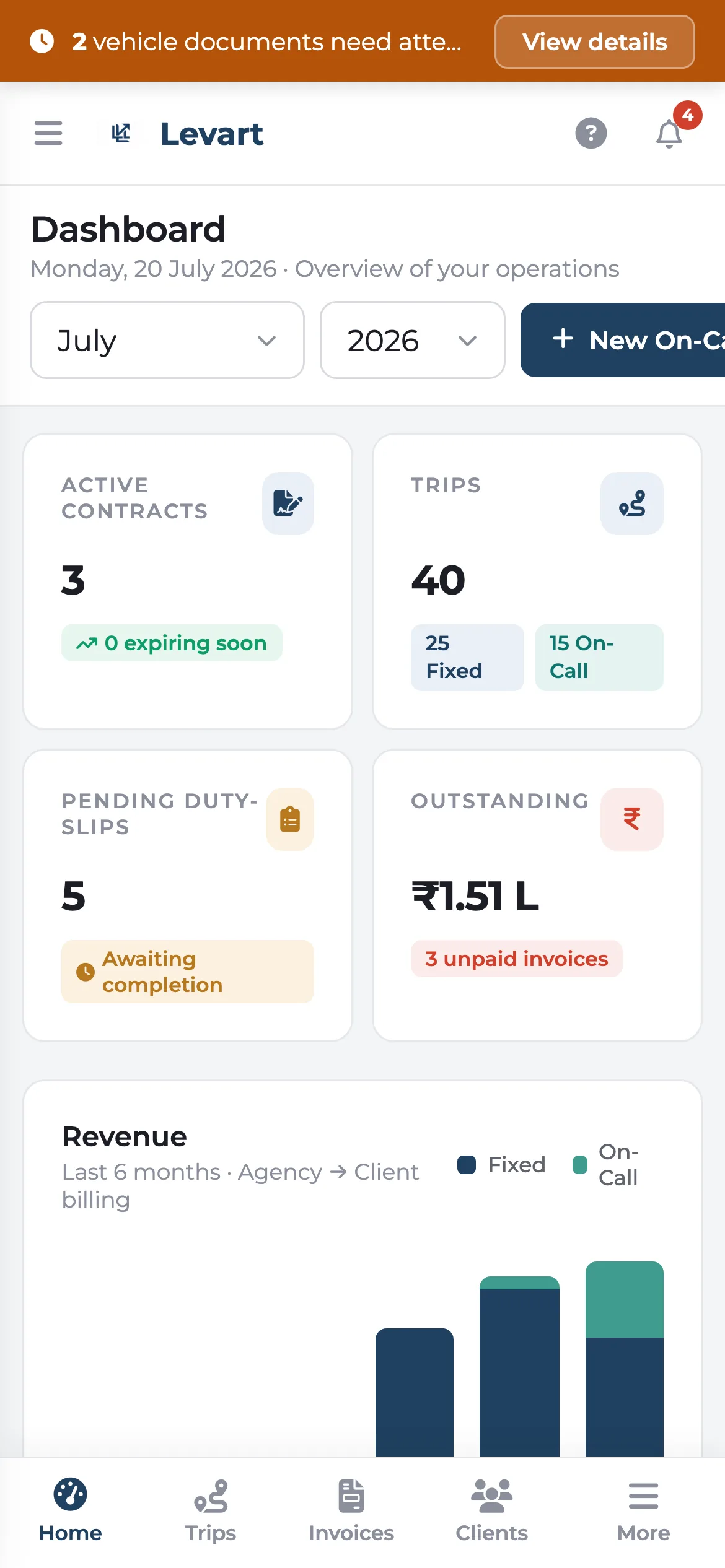
Install it like an app
On Android, open Levart in Chrome and choose Install. On an iPhone, use Share and then Add to Home Screen in Safari. It opens without the browser bar, with the Levart icon on your home screen.
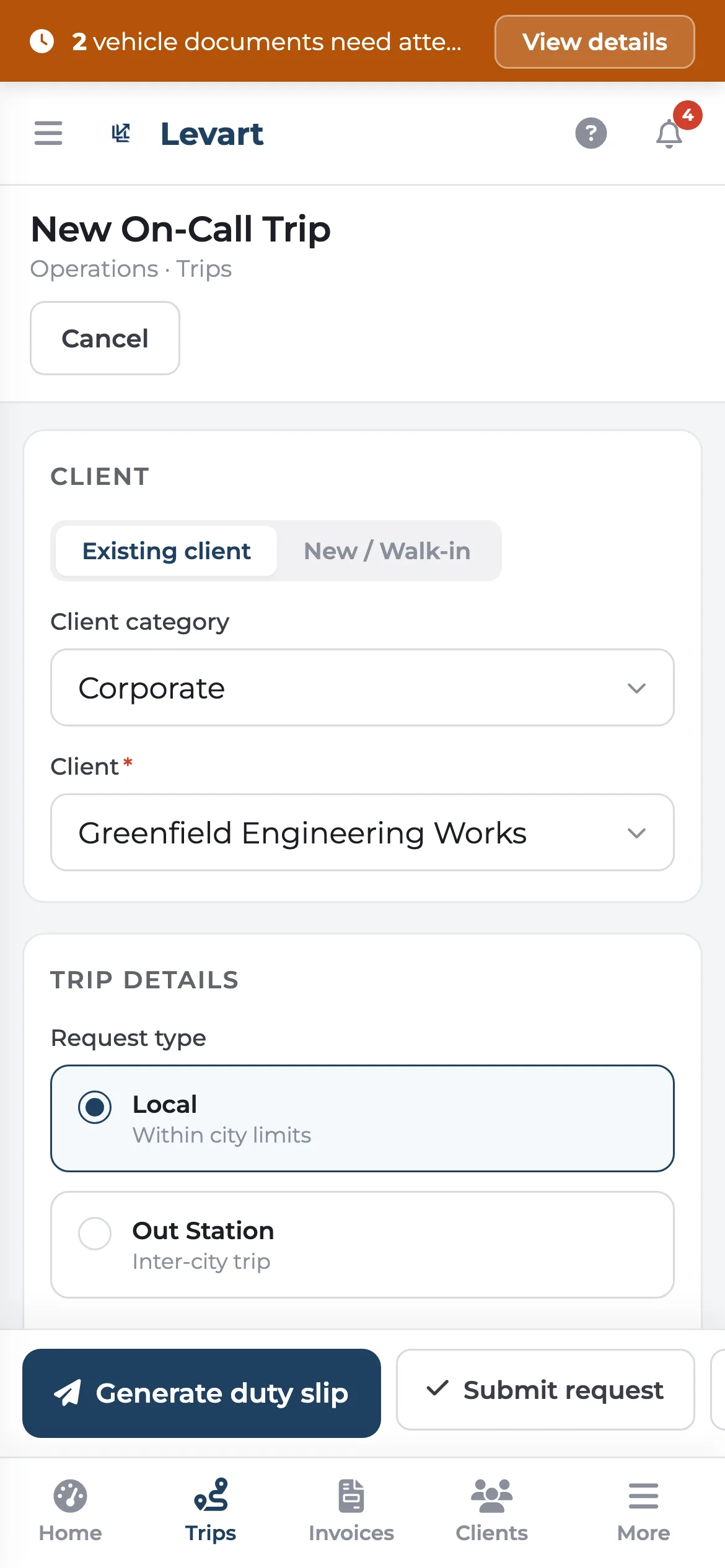
Invoices that fit the screen
Open any invoice on your phone and the whole page, letterhead and all, scales to the width of the screen. Handy when a client calls about a figure and you're not at your desk.
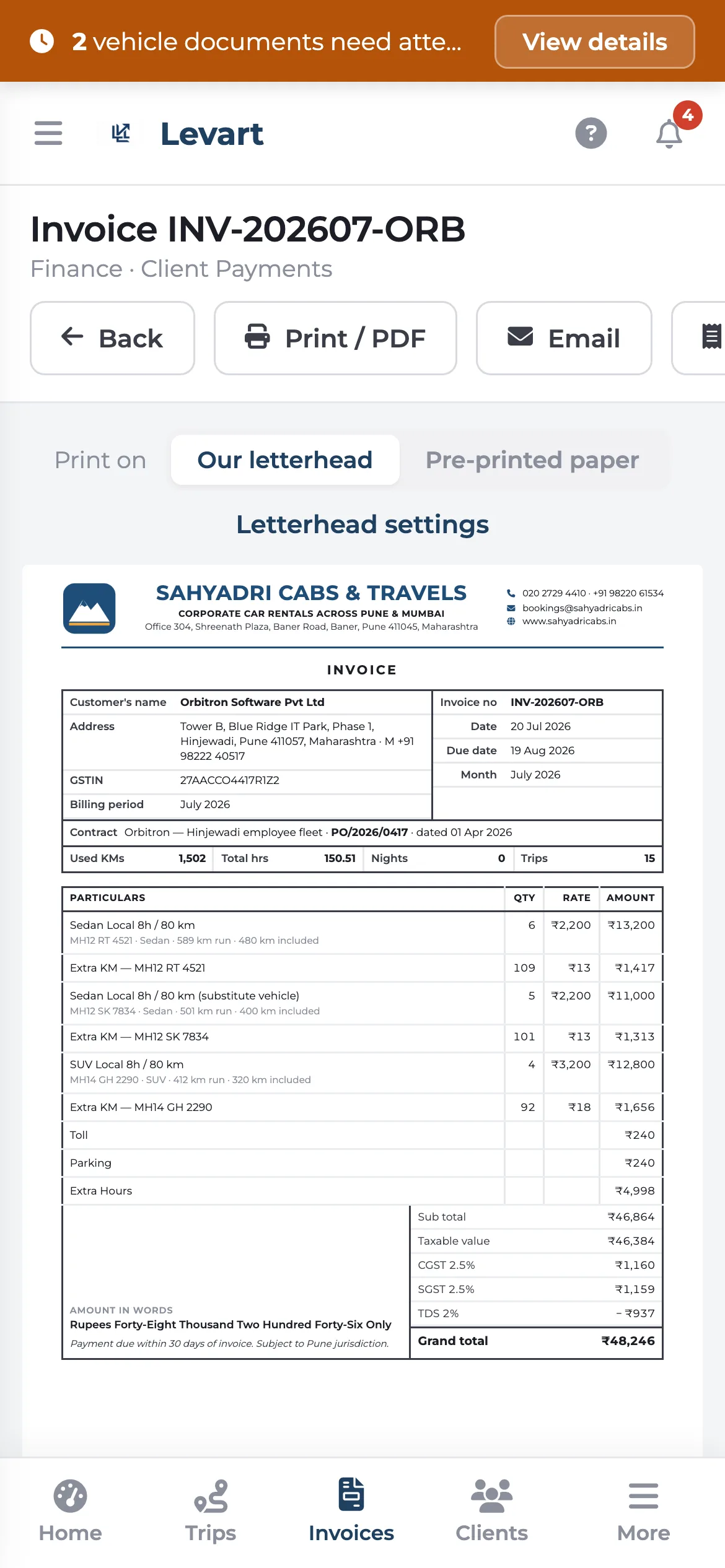
Works on your phone: common questions
Is there a Levart mobile app?
The Levart console works on any phone's browser and can be added to your home screen, where it opens full screen like an installed app. Drivers use the duty slip and logsheet apps, which also run in the phone's browser.
Goes well with
Digital duty slip
A link, not an app. Odometer photos and the customer's signature, straight from the driver's phone.
Read moreDriver logsheet app
No more chasing paper logsheets on the 1st. Every trip is in the office the day it's driven.
Read moreGuided setup & help
A checklist, a tour, and screens that tell you what to add first.
Read moreSee it with your own trips
Book a 30-minute call. Bring a month of duty slips or a contract, and we'll show you how Levart handles them.