
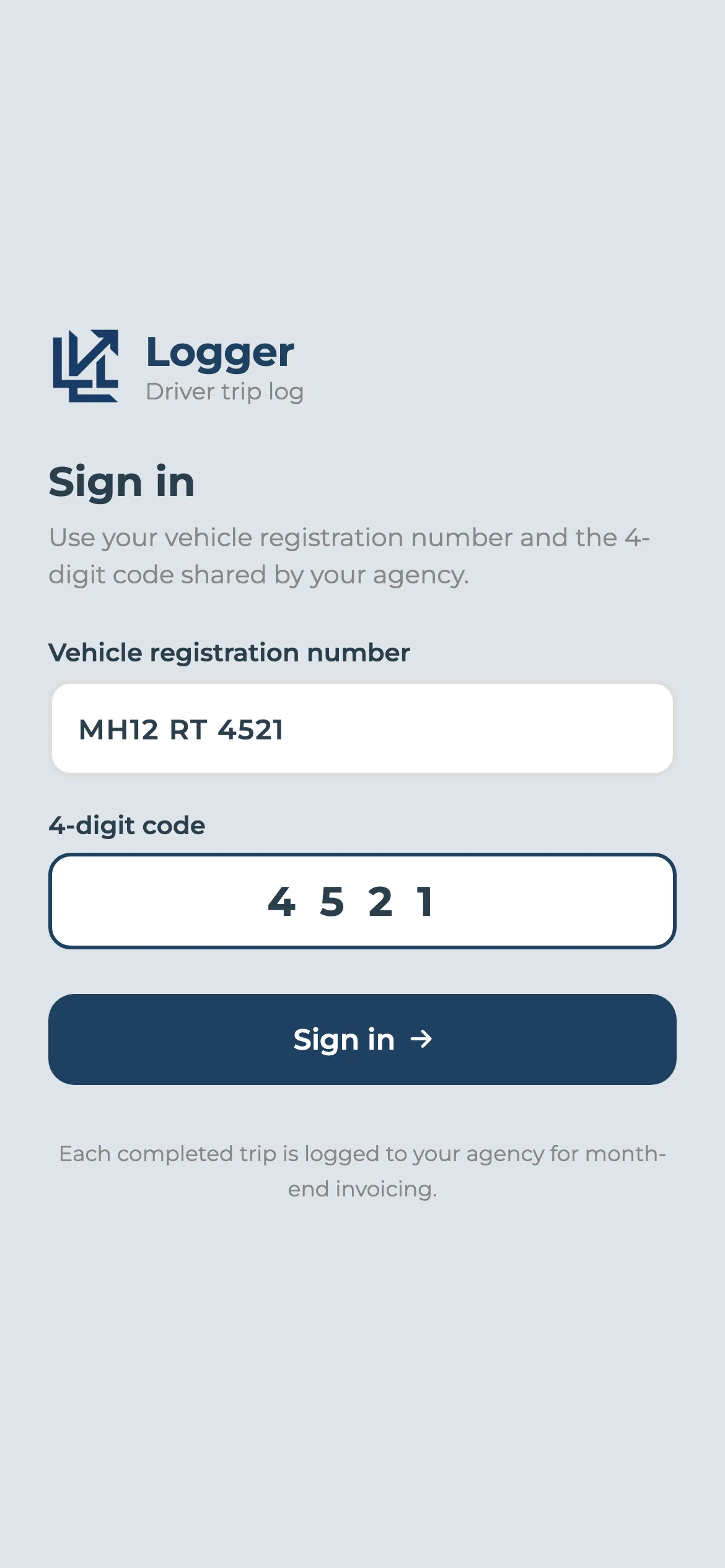
Signing in without accounts and passwords
Drivers change, phones get shared. So the logger doesn't ask for an email. The driver enters the vehicle's registration number and the four-digit logger code from the contract, and they're in, logging against that car and that contract only.
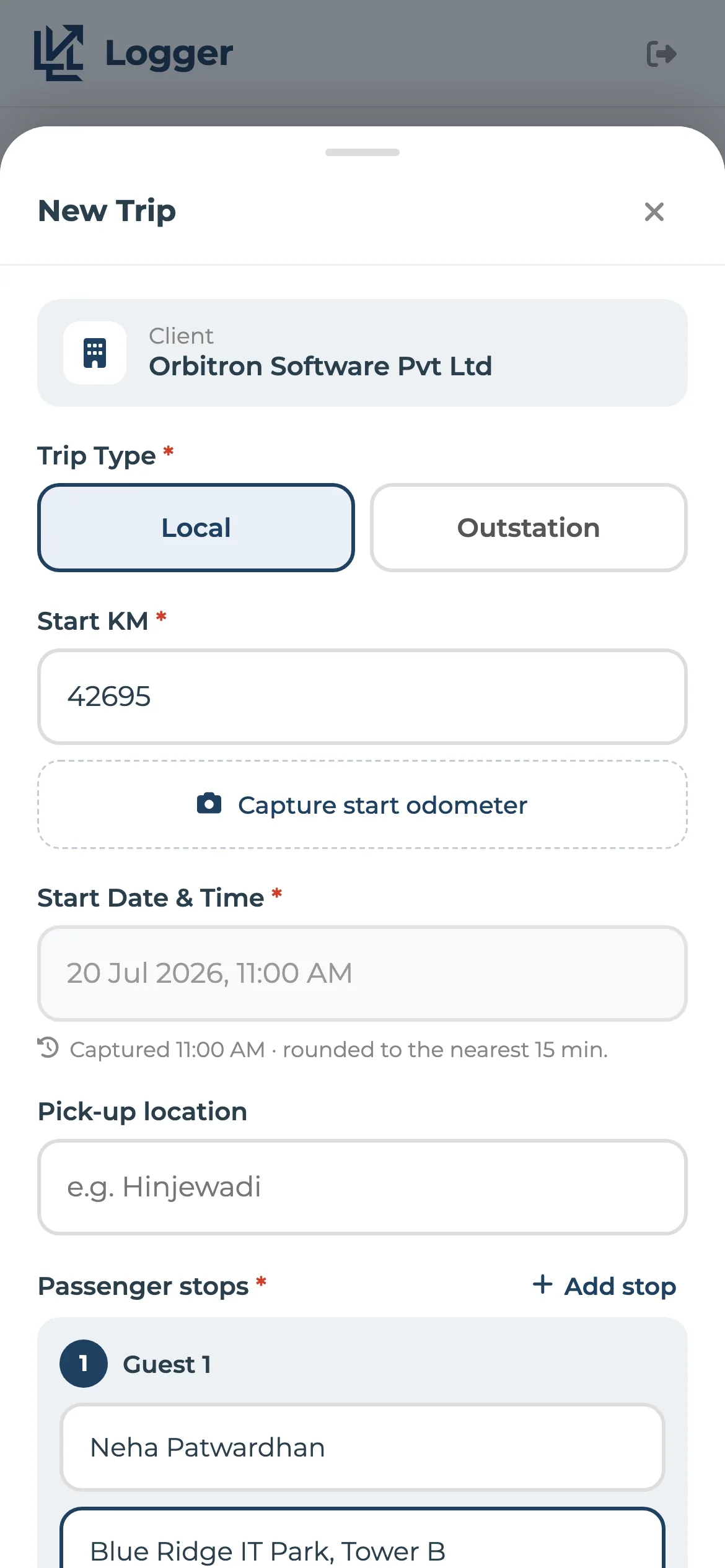
Start, drive, complete
At the start of a trip the driver enters the opening kilometres and takes a photo of the odometer. The start time is filled in from the phone's clock, rounded to the nearest 15 minutes. At the end they add the closing kilometres, the drop point and any tolls or parking.
Hours are worked out from the rounded times, the same way your contract bills them, so there's no gap between what the driver logged and what the client is charged.
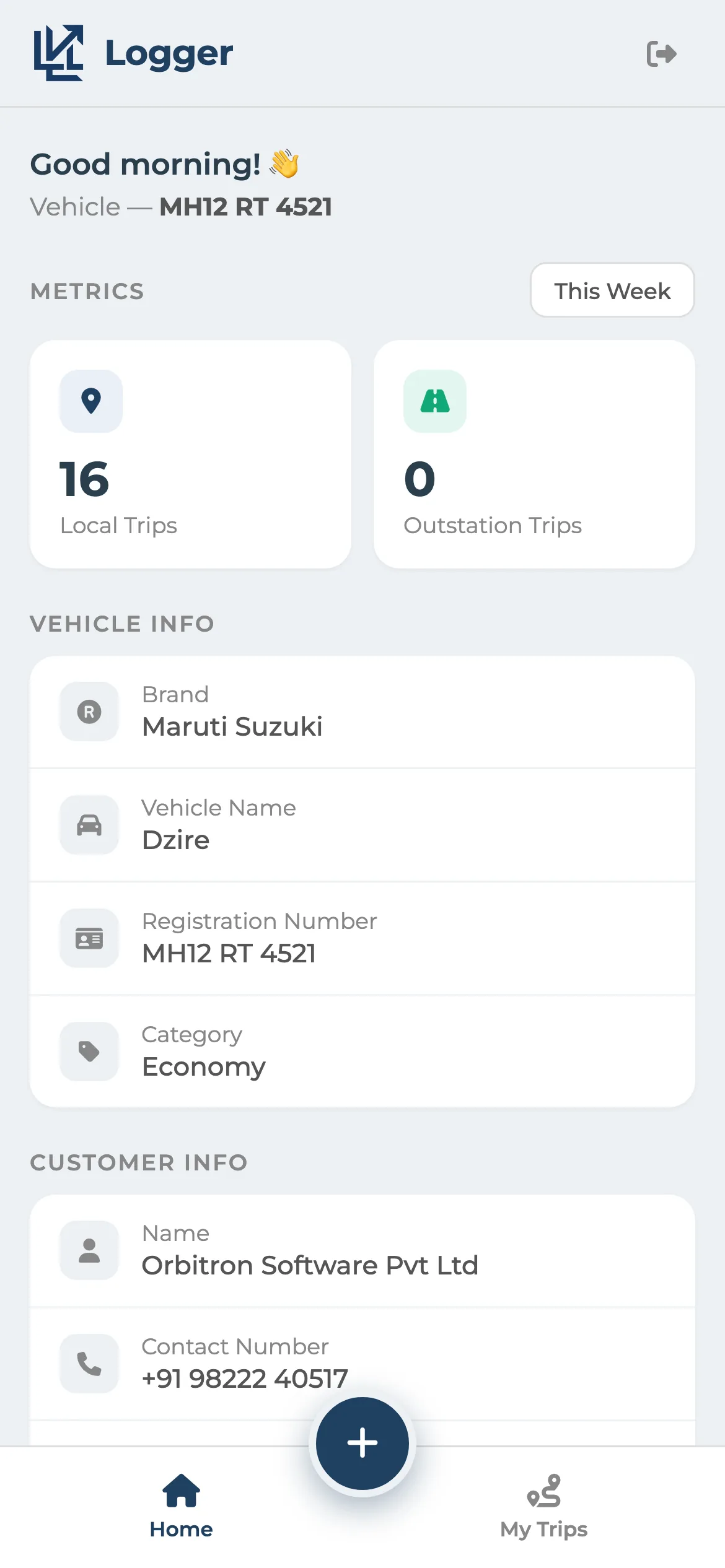
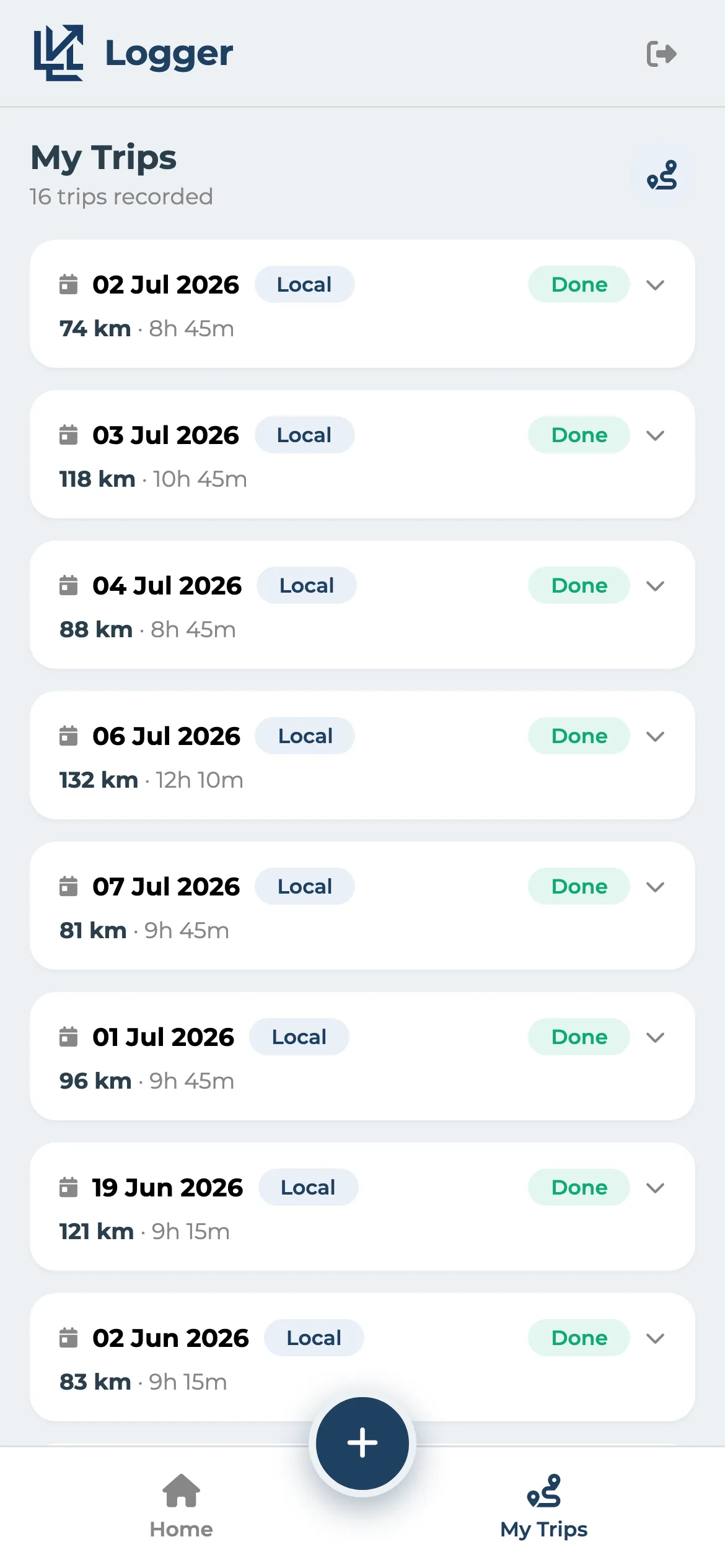
Your office sees it as it happens
Every logged trip appears in Monthly Fixed Trips in the admin console, marked as coming from the logger. A trip that's started but not finished shows as Ongoing. At month-end the invoice is raised from those trips. There's nothing to key in.
Driver logsheet app: common questions
How does a driver log in to the logsheet app?
With the vehicle's registration number and the four-digit logger code set on the client's contract. There are no driver accounts or passwords to manage.
Can I still enter logsheets by hand?
Yes. Add trips one at a time, or paste a whole month's paper logsheet into the bulk-add grid.
Goes well with
Monthly fixed contracts
Write the contract rules down once. Every month's invoice follows them.
Read moreDigital duty slip
A link, not an app. Odometer photos and the customer's signature, straight from the driver's phone.
Read moreWorks on your phone
Check a trip, raise an invoice or answer a client from the road.
Read moreSee it with your own trips
Book a 30-minute call. Bring a month of duty slips or a contract, and we'll show you how Levart handles them.